Now Google has come out with it’s own version of syncing software called Google Calendar Sync that will allow you to sync events between Google Calendar and Outlook Calendar for free! You can configure the sync in both directions and can control the frequency of synching. The only thing you have to note is that this program will only sync up your primary Google Calendar with your default Outlook Calendar, it cannot sync up secondary calendars just yet!
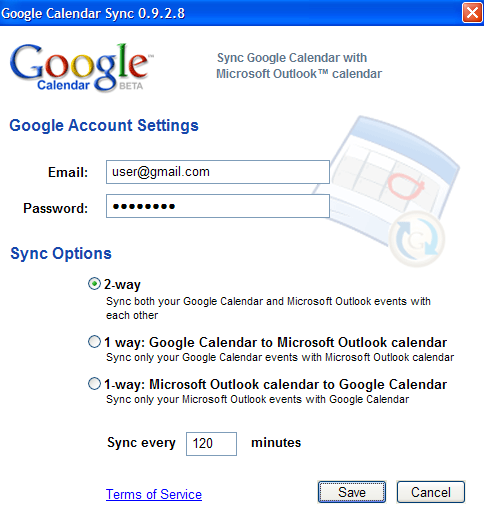
Just type in your Google credentials and choose the syncing method that you would prefer! After that, the program just runs in your system tray and you’ll see two arrows show up when it’s performing a sync.
You can then sync your Outlook calendar with a mobile device such as a Palm Treo, etc. For Mac users, you can synchronize your Google Calendar with iCalendar using a cool program called Spanning Sync.
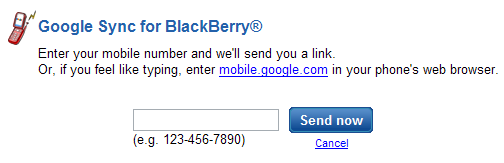
For Blackberry users, Google has a separate application that you can use to sync your calendars called Google Sync for Blackberry. This will allow you to view your Google Calendar items in the default calendar on your BlackBerry.
If you’re an iPhone user, you can actually access your Google Calendar via a special interface by just going to http://mobile.google.com/calendar. The interface is made just for the iPhone’s touch screen display and really makes it pointless to “sync” with the calendar on your iPhone since you can use Google Calendar with all the features directly from the iPhone.
f you don’t have a Blackberry or an iPhone (like me), then you can might want to check out a program called GooSync that allows you to easily synchronize your Google Calendar with most mobile phones or PDAs. GooSync has a free version and premium version, the latter of which allows you to sync contacts, sync multiple calendars instead of one, and sync appointments up to 365 days in advance rather than 30.
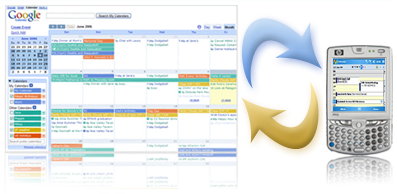
Thanks to these new tools from Google, it should be a fairly simple task of getting your Google Calendar synced to your mobile phone, PDA, or Microsoft Outlook! If you have any questions, post a comment! Enjoy! Source: Webware
Technorati Tags: outlook sync, google calendar sync, sync google calendar with outlook, sync google calendar with blackberry, sync ical calendar


No comments:
Post a Comment